Yes, you can exclude amendments from your Term Search results in one two ways: by (1) using a pre-search filter; or (2) using a post-search filter:
(1) Pre-Search Filter
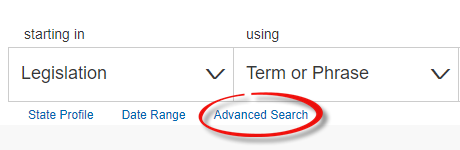
When using a Term or Phrase search, select Advance Search on your Homepage (under the search bar).
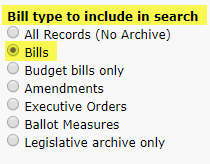
Under Bill type to include in search, select Bills.
(2) Post Search Filter
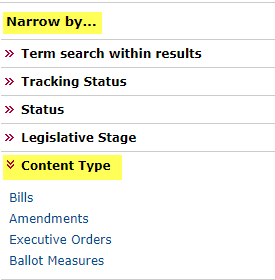
After running your Term or Phrase search, use the Narrow by... function on the left of the page. Use the arrows to expand the Content Type section. Select Bills and your search will run again, excluding all other records.
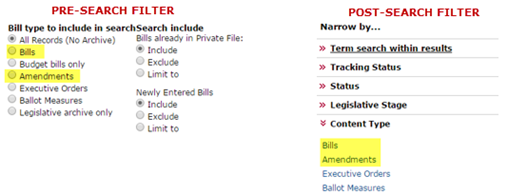
*Note: When selecting Bills in the pre-search or post search filter, the output will exclude amendments, but include amended versions. Similarly, you may select Amendments in the pre-search or post-search filter to limit the results to amendments only.
Comments
0 comments
Please sign in to leave a comment.